
DrFaust
Users
-
Joined
-
Last visited
Everything posted by DrFaust
-
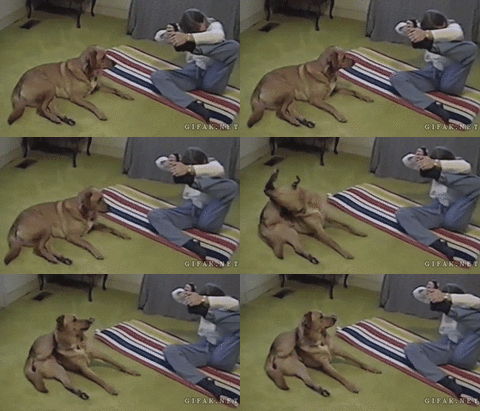 нее, собака-обучака, типа:"смари как надо, нулина"
-
-
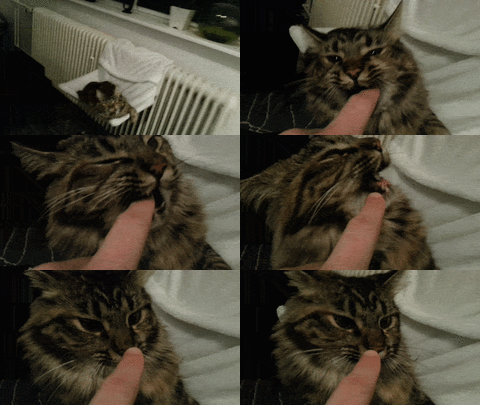 нет соблазна больше, чем засунуть палец в рот зевающему котЭ
-
 Ваасилиса?
-
 первая прошла, у второй уворот порезанный видимо
-
-
Да не скажите, товарищ, таких сказочных долбоящеров, наверное, искусственно выращивают. Даром, что из Сибири, позорит только славный регион
-
Ищешь товарища или приятеля ноуклан или просто не заинтересованного в осадах, сажаешь на одетого перса, чтобы с плюхи не вынесли и пускаешь оператором в поля) И ты не работаешь и компромат капает)
-
 Мож и ТыХа гоняла, фейк дез тоже наличиствует
-
Эх, Венька, ты бы еще в Гос Думе справедливости поискал
-
 в 18 лет заниматься такой херней? О\
-
 Волосатый орел? О_о
-
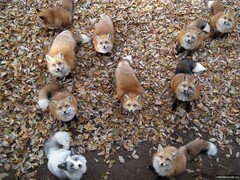 Она вне мейнстрима. Имхо зоопарк, туристами сфотано
-
 Кот хитрый, он же собак запустил, подставил гад))
-
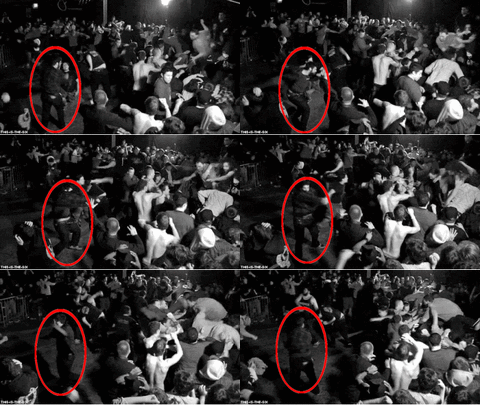 Очень плохая музыка...
-
 Странно, что автор не Миханхан О_о
-
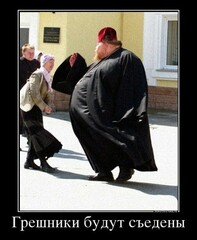 Из топа демотиваторов стибрил, ай-яй-яй)
-
 сушняк припрет- не так раскорячишься))
-
 попавшиеся на развод негодуЭ
-

